Complete your KME Forex setup in minutes. Secure, paperless, and mobile-friendly remittance.
To ensure security and compliance, please prepare one of the following government-issued identification documents based on your status.
Secondary documents may be required for address verification if not listed on your primary ID.
Visit us personally at our counters or registered agents. Bring your valid ID (Residence card, Driving License, or Passport) for instant verification.
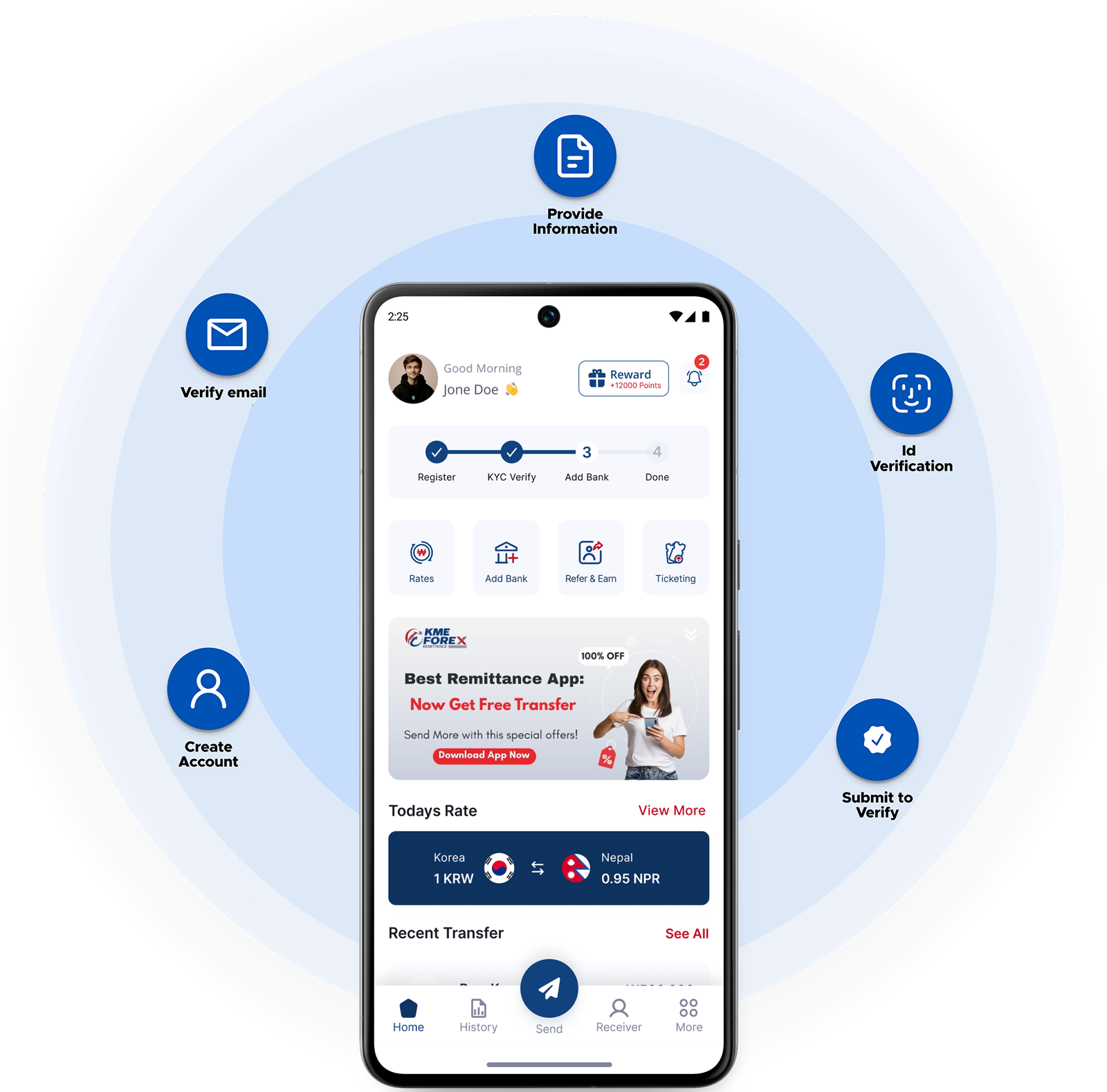
Follow our streamlined process to set up your KME Forex account and start sending money today.
Install the KME Forex app from the App Store or Google Play Store to begin.
Open the app and tap "Register" to create your unique login credentials.
Enter the One-Time Password (OTP) sent to your email to confirm your identity.
Fill in your personal details accurately as per your official documents.
Securely upload clear photos of your valid identification and address proof.
Review and accept our service terms to proceed with registration.
After our staff verifies your details, you'll receive a welcome letter. Use the included code to set your secure transaction PIN and finalize activation.
Your request reaches us immediately. Once approved, we will send a welcome letter to your registered address to finalize account activation.
For further details on non face to face registration, please contact us.
Fast, secure transfers at your fingertips. Get started today.